1. Install and run your first job
About 10 minutes. You'll need a Claude subscription and a Linux machine with systemd, or Windows 10 or 11.
Install
Linux: open a terminal and paste this. Give your password when asked.
curl -fsSL https://hive.ihsan.cc/install.sh | shWindows: open PowerShell and paste this. If it asks you to approve WSL and restart, do that and run the line again.
irm https://hive.ihsan.cc/install.ps1 | iexWhen it finishes, it prints an address starting http://localhost. Windows opens it for you. On Linux, open it in a browser on the same machine. On a server, see Install in the guide.
That address is your key, so don't share it. You can get it again at any time with sudo -iu hive hive web on Linux (hive web if you installed it in your own account), or hive web in a new PowerShell window on Windows.
Sign in to Claude
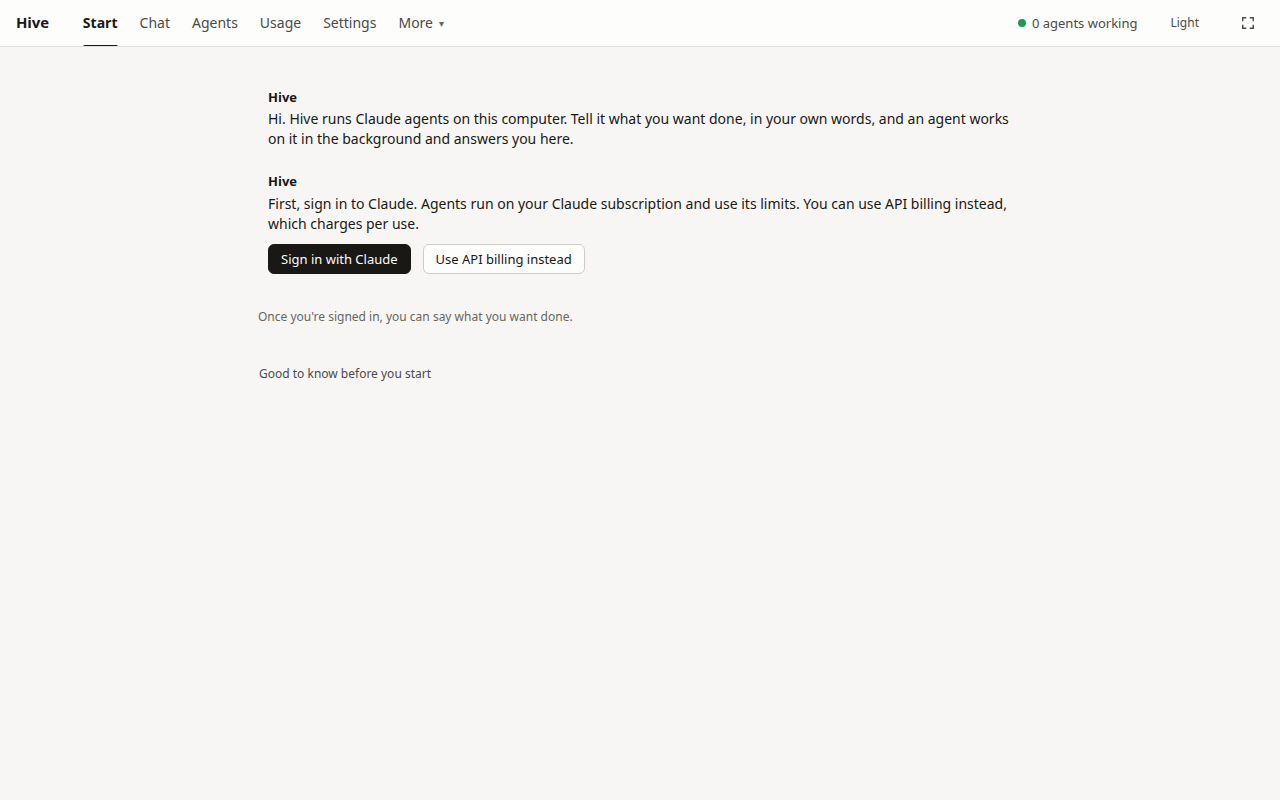
- Click Sign in with Claude.
- Click Open the sign-in page and sign in as usual.
- If it shows you a code, copy it, paste it into the box on the Hive's page, and click Send.
The page then says Signed in to Claude and asks what you want done.
Paying through the API instead? Choose Use API billing instead, sign in to your Anthropic Console account, and set a spending limit in the Anthropic Console, because the Hive can't see what you've spent.
Take the tour, if you like
The app offers a short tour once you're in. It points at each thing to click and waits for you. Show me around starts it, Not now closes it, and Take the tour under More brings it back. Its one real step is your first job, so you can use the job below for that.
Give it something small
Start with something quick so you can see how it works. Type this and press Enter:
Make a one-page web page about the moon with a table of its phases, and attach it here when you're done.
Watch what happens
- The app opens a new conversation. A note under your message shows that an agent has started on it.
- The line above the message box says what the agent is doing. Click the top bar's Agents to see it there too.
- In a minute or two the agent answers with the file attached. Click it to download it.
You can close the page at any time. The agent keeps working, and its answer will be waiting under New for you on the Chat home page.
Ask for a change
Type in the same conversation:
Make it dark, and add the date of the next full moon.
The same agent wakes up, still knowing what it did. That's the basic loop: one job, one conversation, keep talking until it's right.